Add DHCP option🔗
Use this method to manually add a single new DHCP option set to the local NACVIEW database.
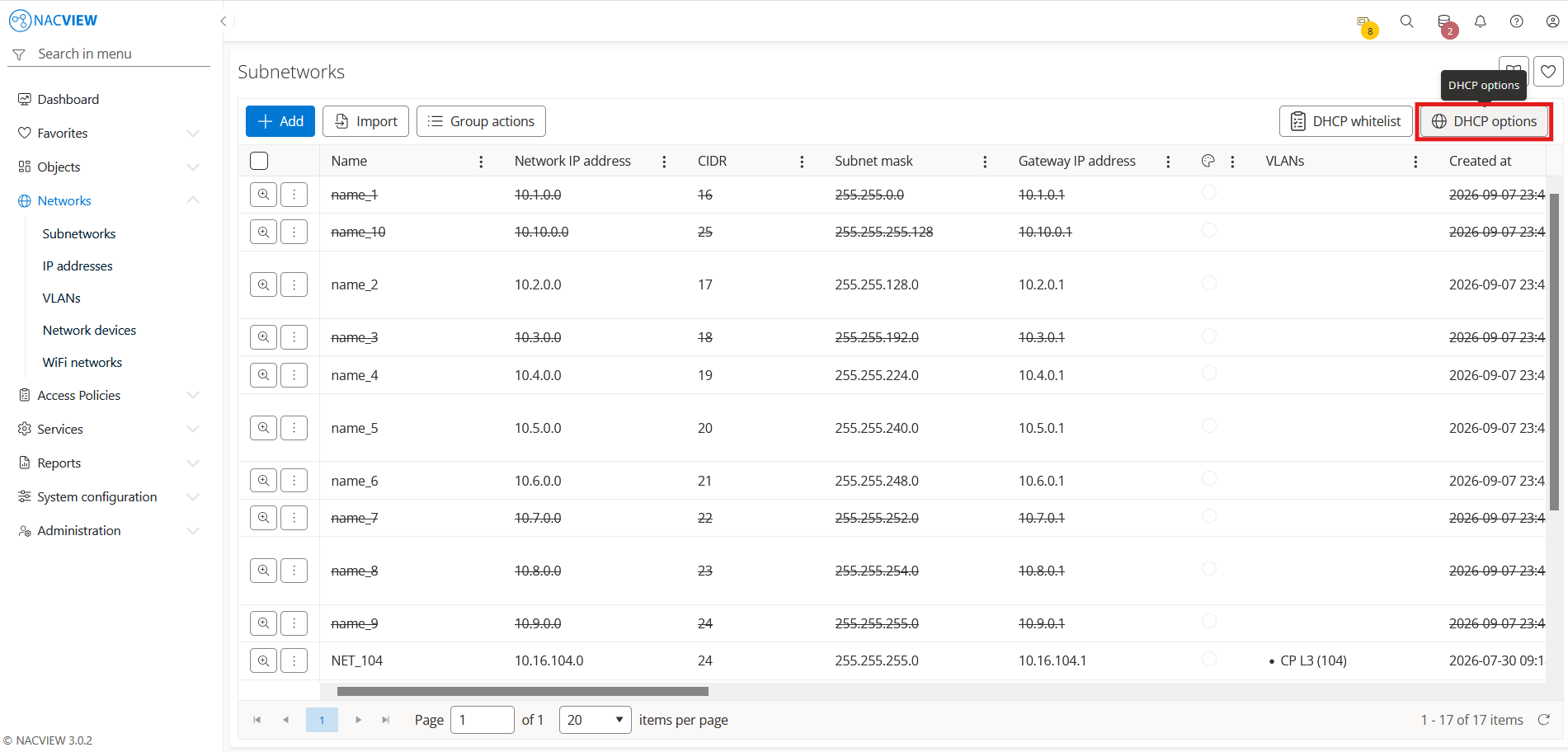
Open Networks and go to Subnetworks.
Select the DHCP options button.
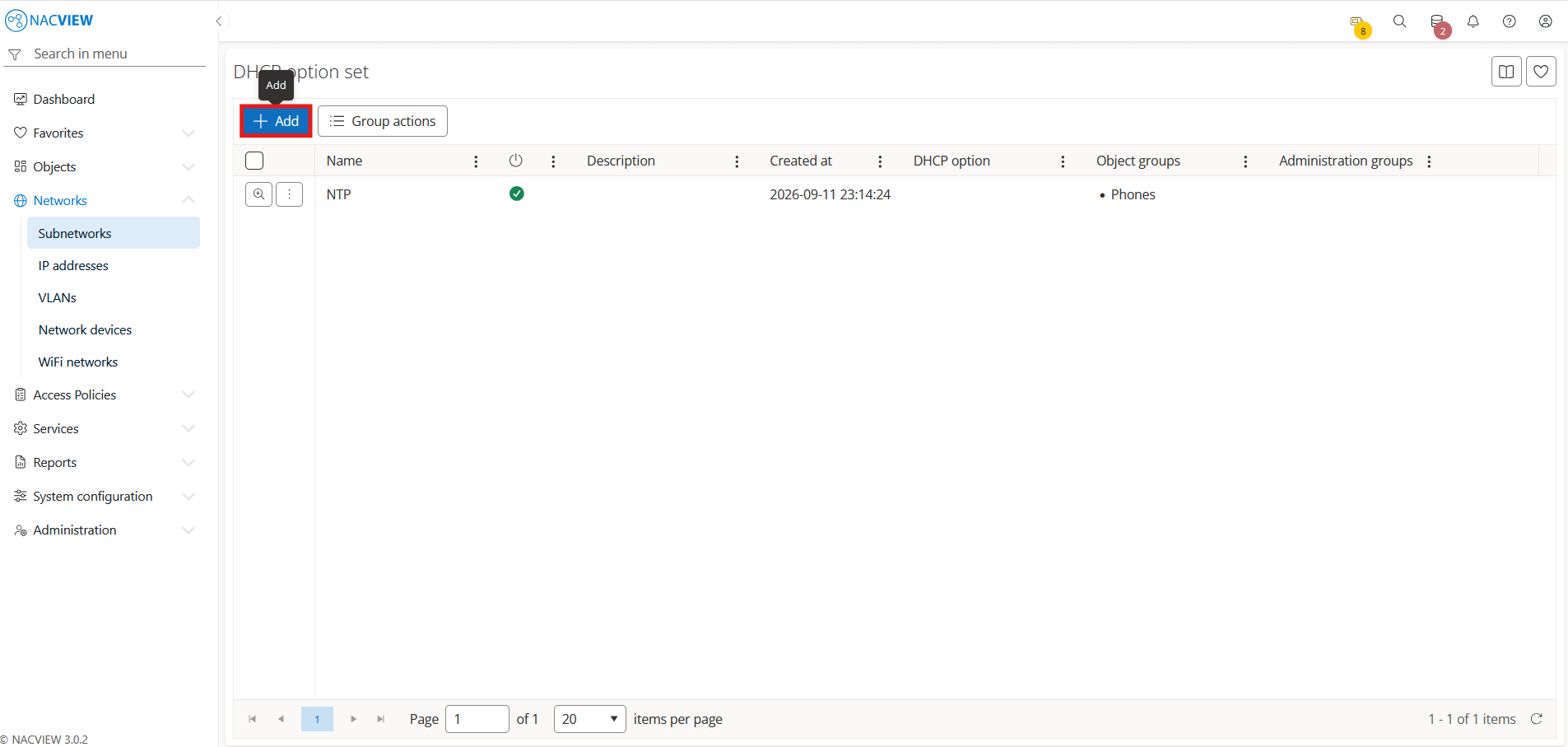
Select the
Addbutton.
Fill the DHCP option set fields.
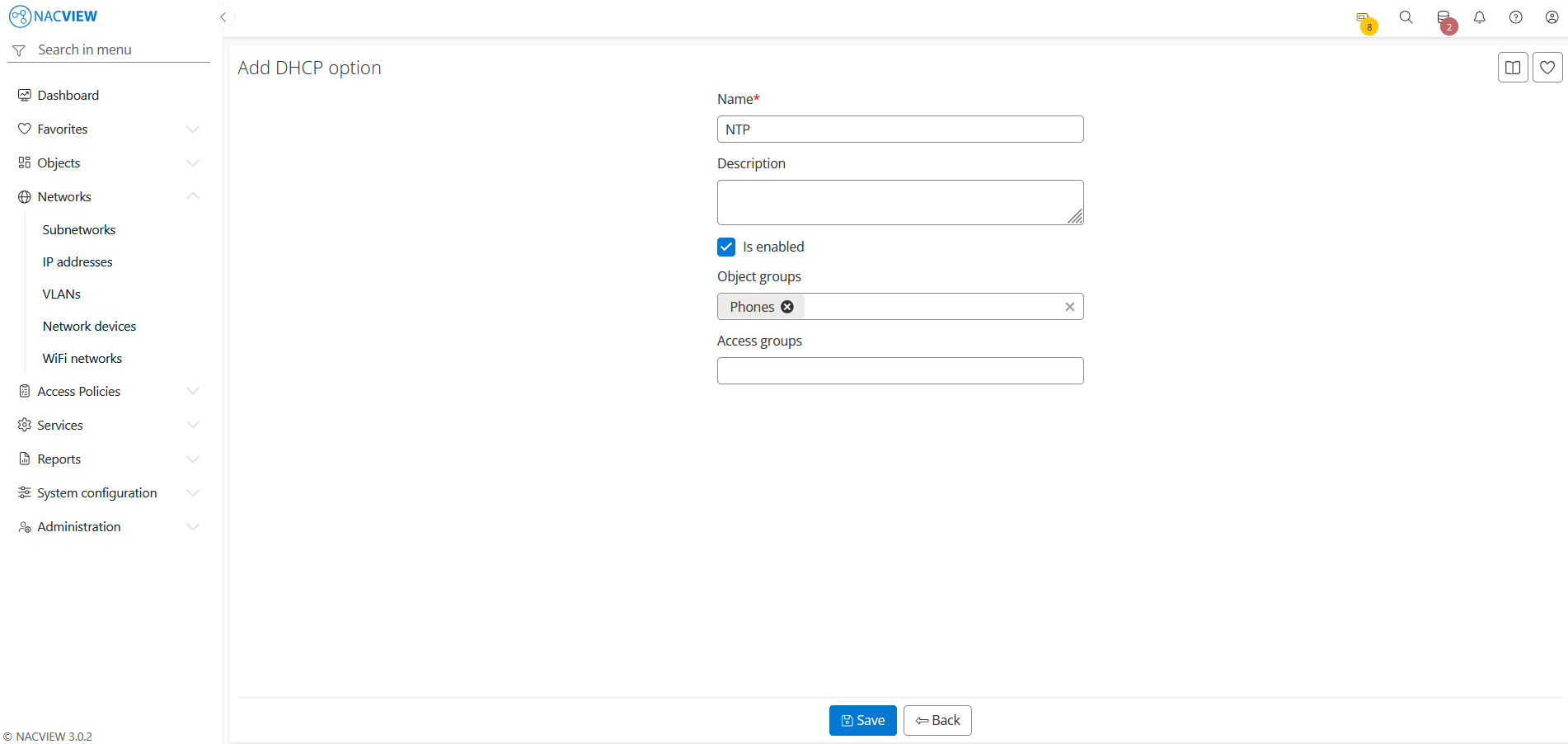
5. Select the Save button to create the DHCP option set.
The new DHCP option set appears on the DHCP option set list.
Note
To discard your changes without creating the DHCP option set, select
Back button.
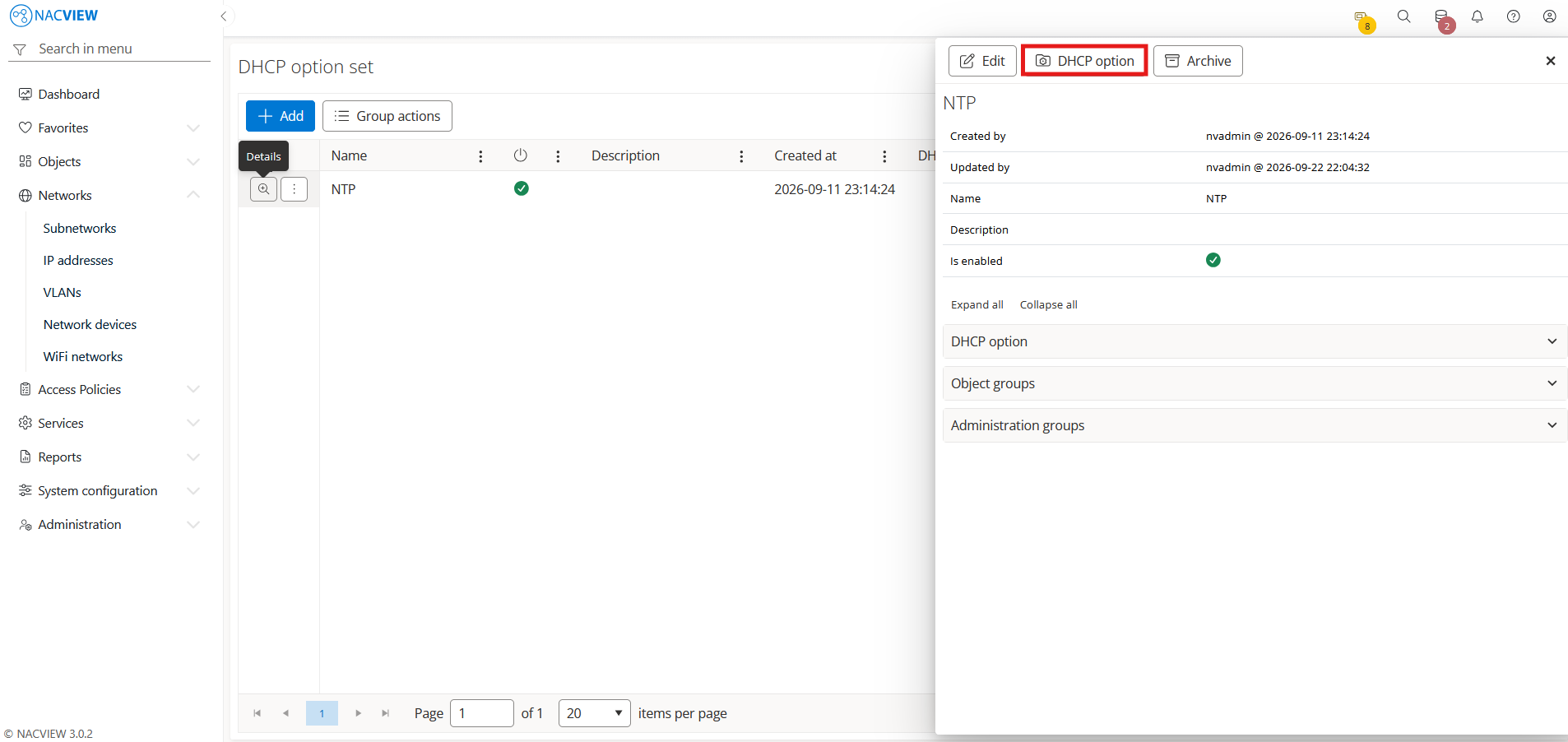
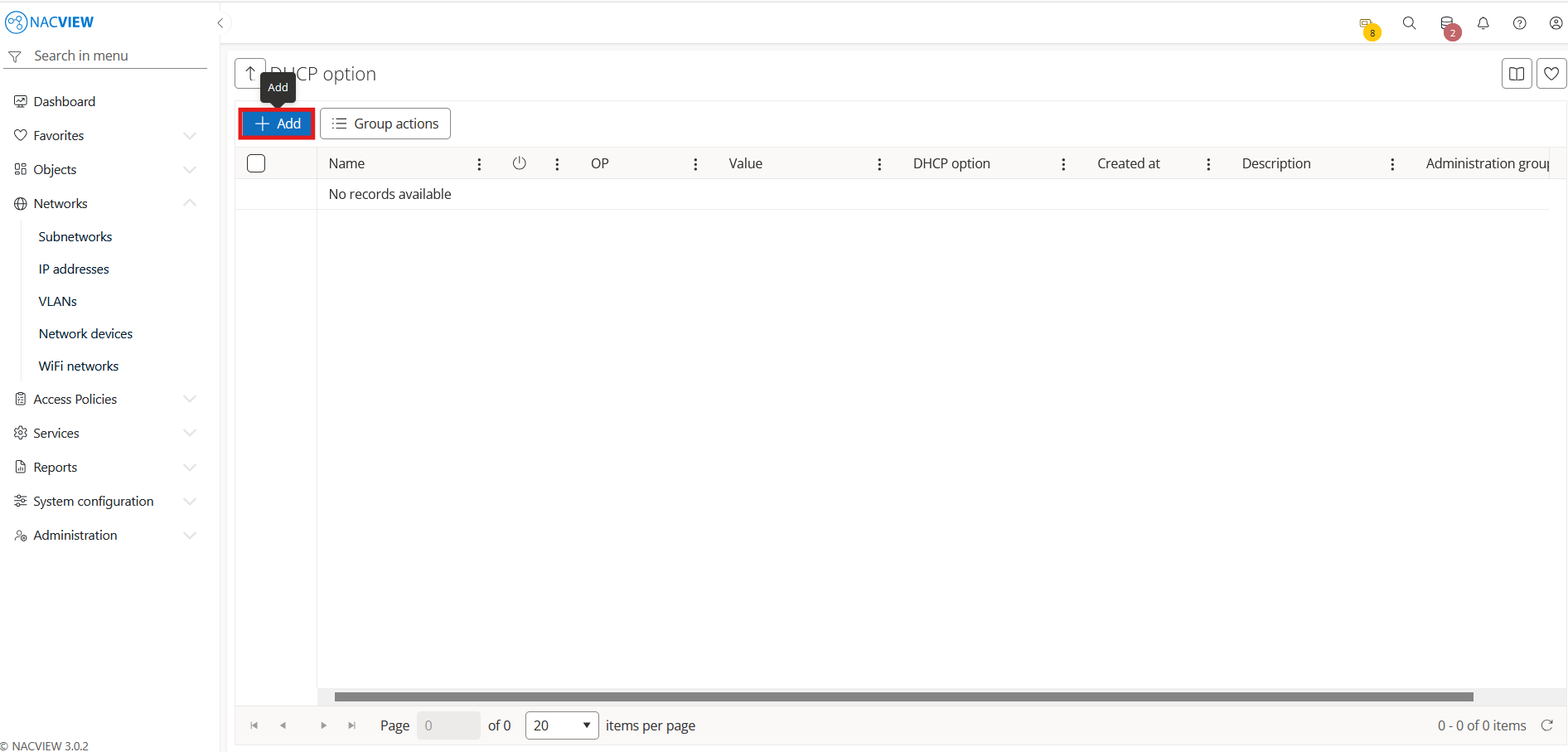
Select the newly created DHCP option set from the list (Details), then select the DHCP option button to open its list of individual DHCP options.
Select the
Addbutton.
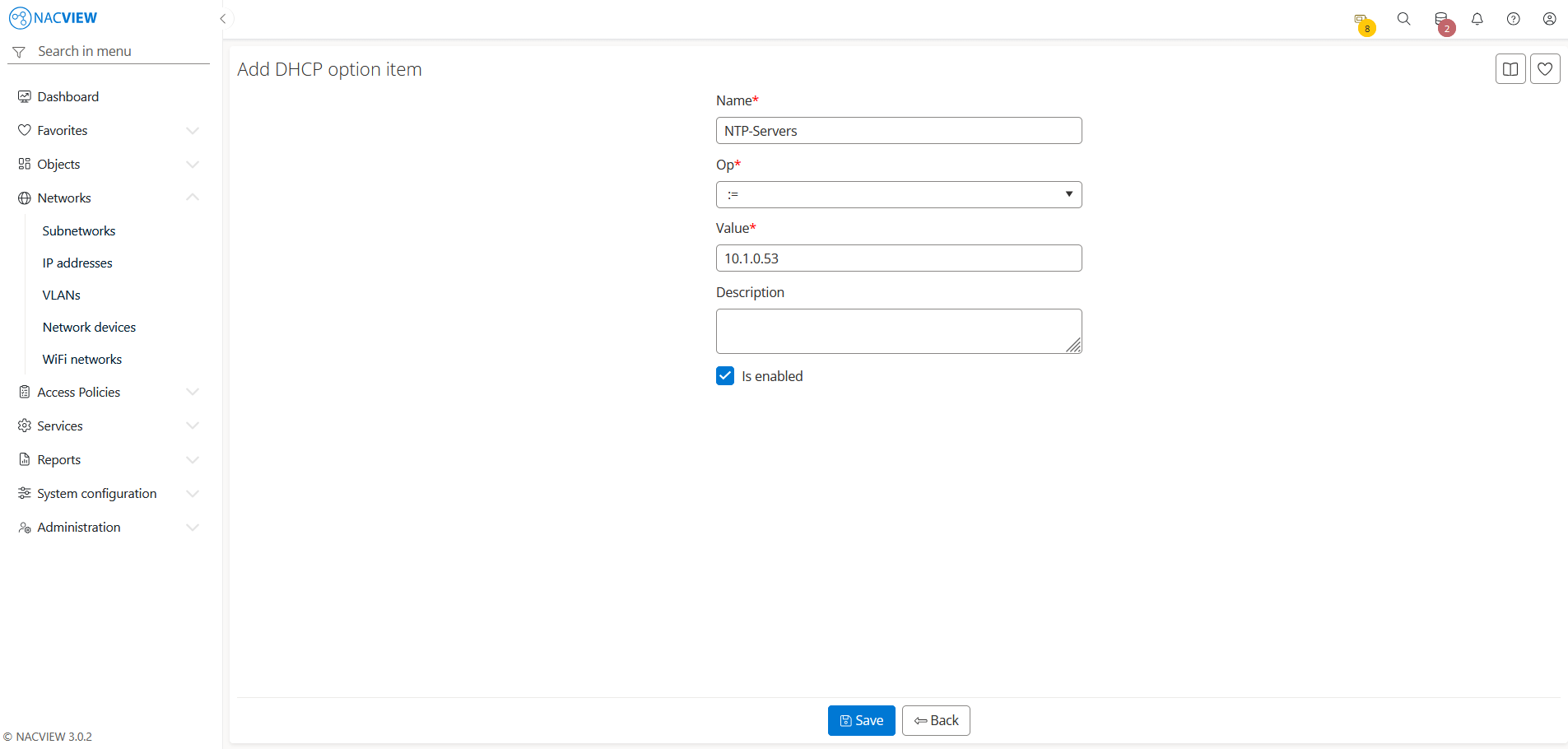
Fill the DHCP option item fields.
Note
The entered data must comply with the FreeRADIUS dictionary.dhcp attribute format, for example dictionary.dhcp.
Select the
Savebutton to add the DHCP option item to the set.
Note
To discard your changes without creating the DHCP option item, select
Back button.