System upgrade (version 3.0.2 onwards)🔗
Important
Before committing to the upgrade process, administrators should take appropriate measures: create a backup or at least snapshot of NV3 primary node; schedule service window for the update; allow access from NV3 nodes to the cloud.nacview.com and repo.nacview.com domain on standard HTTPS protocol (TCP/443).
Important
Prerequisites for update are as follows:
an active support subscription, or active support for a perpetual license, on the partner portal
NV3’s serial number is registered on the partner portal
Warning
Before starting the system upgrade, install all available patches for the current system version on all system nodes. For instructions, see Patch installation.
Performing the upgrade🔗
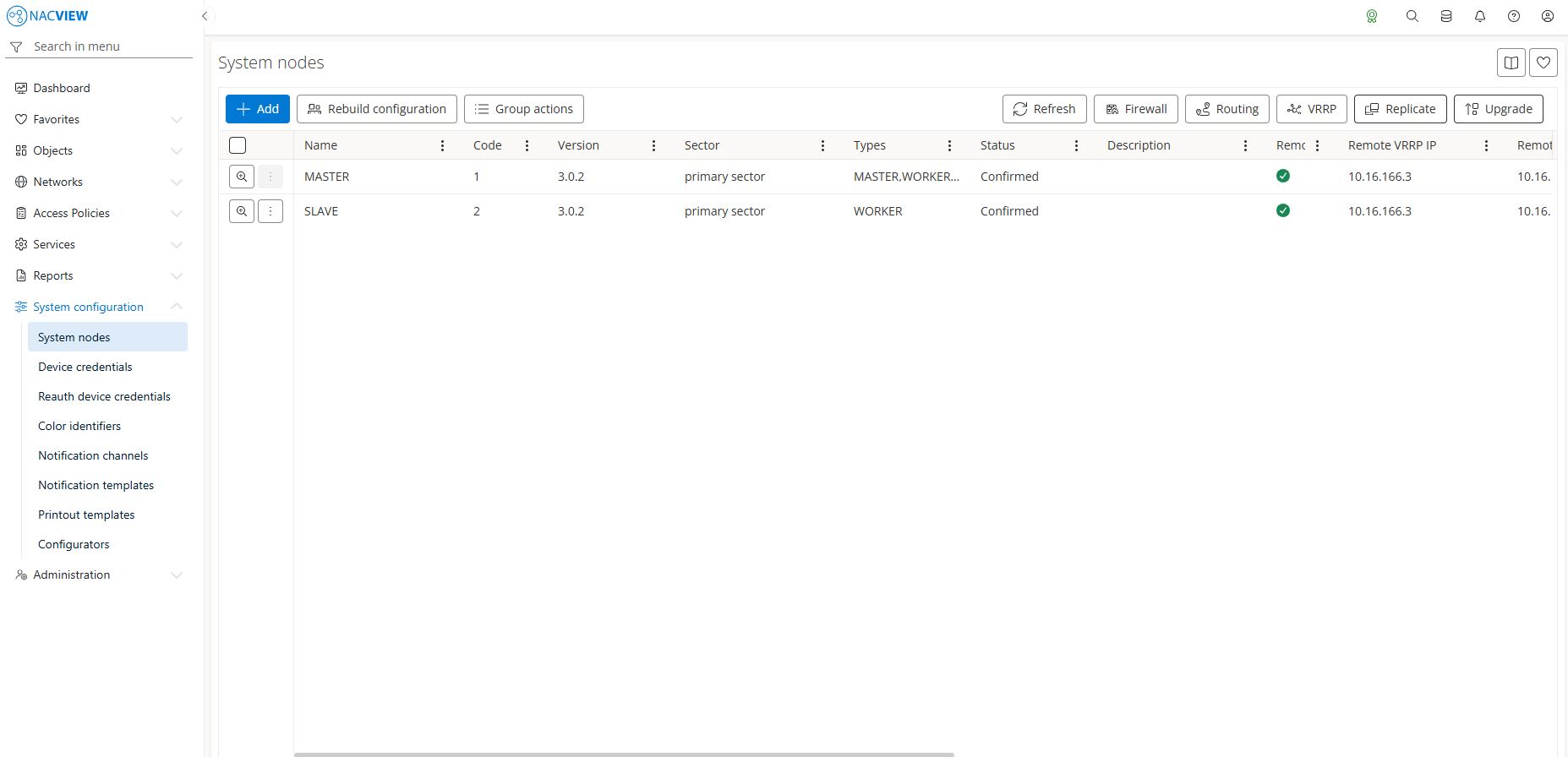
Login to the NACVIEW NV3 Web UI and proceed to the System configuration, then System nodes. Click on Upgrade button to bring out upgrade window.
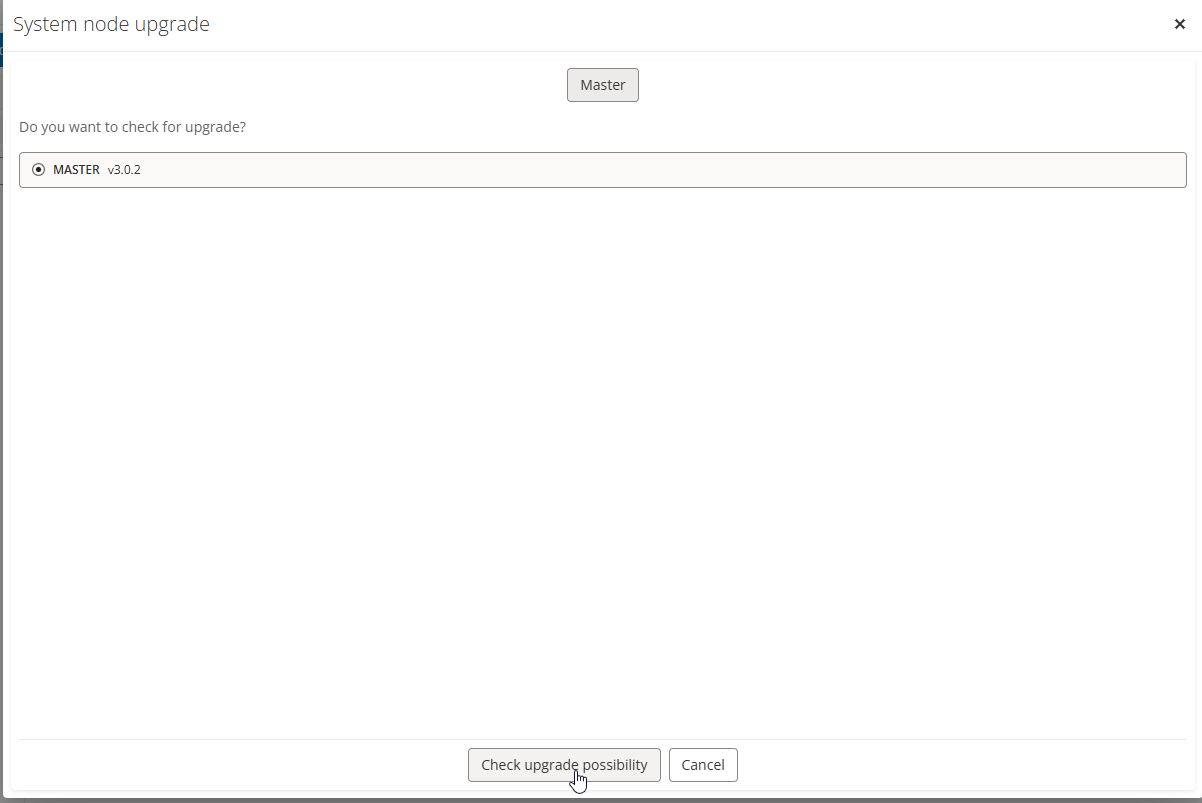
Click on Check upgrade button. System will check whether it’s eligible for update.
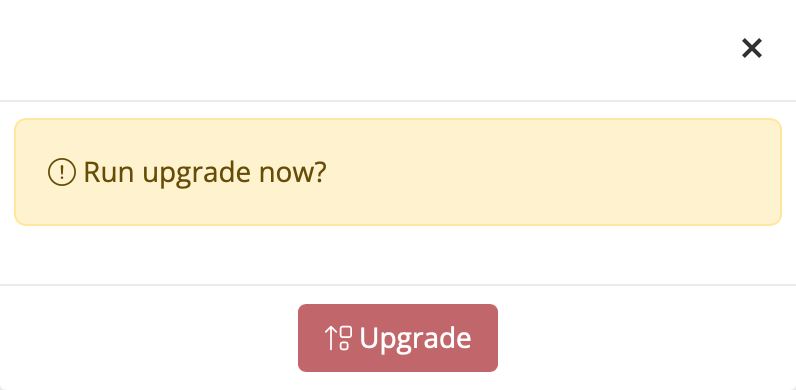
Click on Upgrade button to begin update process.
The update wizard will appear and show the progress of the update.
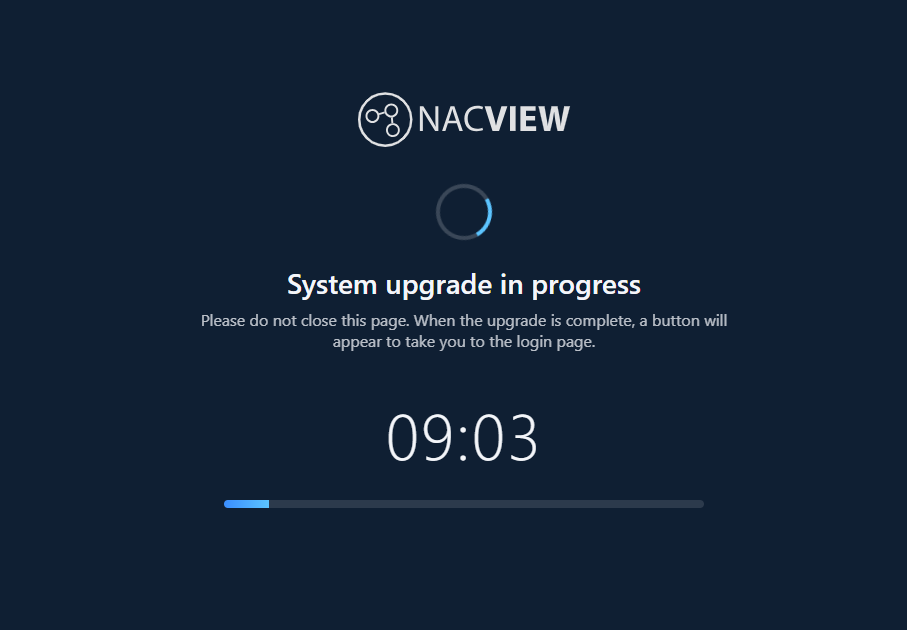
System will reboot after finishing update.
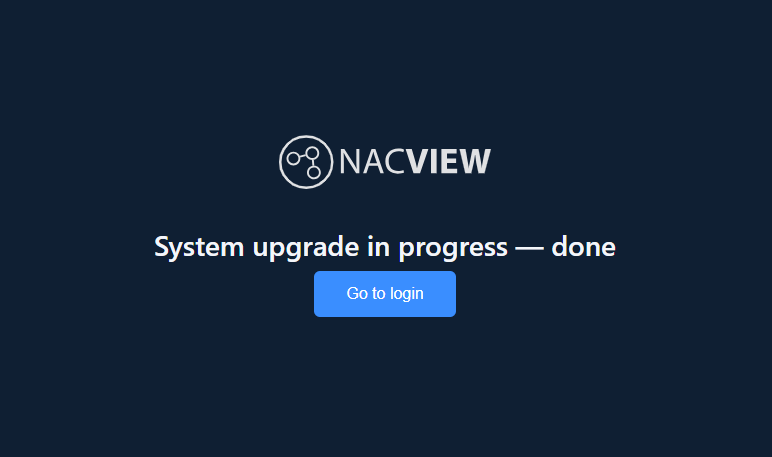
It is advised to refresh browser and clear page’s cache (CTRL+F5) before logging in to the system.
Warning
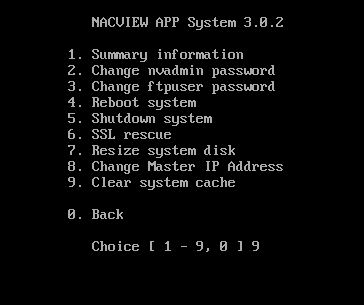
In case of encountering errors when trying to login to the system’s Web UI, one should clear system cache. Login to the CLI and select 2. Maintenance, then select 9. Clear system cache.