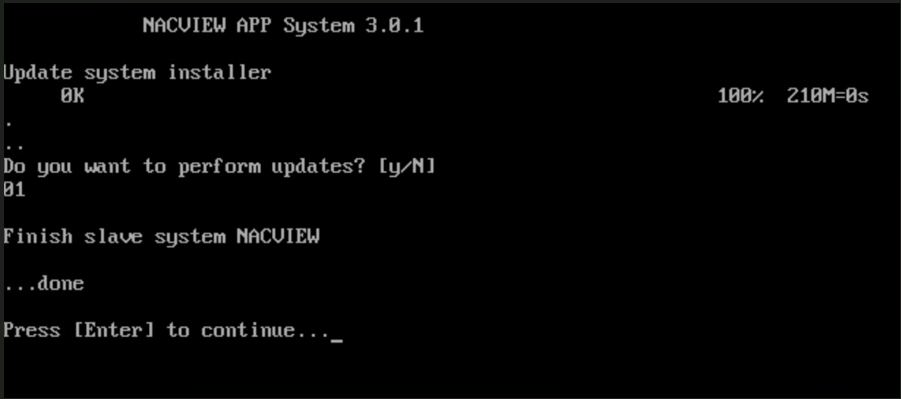
System upgrade (version 3.0.1)🔗
Important
Before committing to the upgrade process, administrators should take appropriate measures: create a backup or at least snapshot of NV3 primary node; schedule service window for the update; allow access from NV3 nodes to the cloud.nacview.com and repo.nacview.com domain on standard HTTPS protocol (TCP/443).
Performing the upgrade🔗
Login to the NACVIEW NV3 command-line interface, using SSH or graphical/serial console (from virtualisation software).
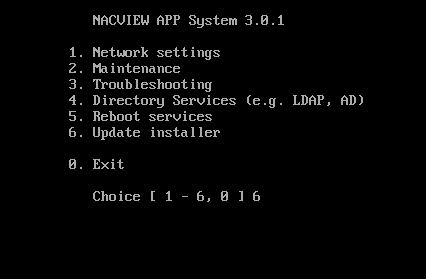
From the main menu, select 6. Update installer.
System will check availability of the update and will ask for confirmation to proceed.
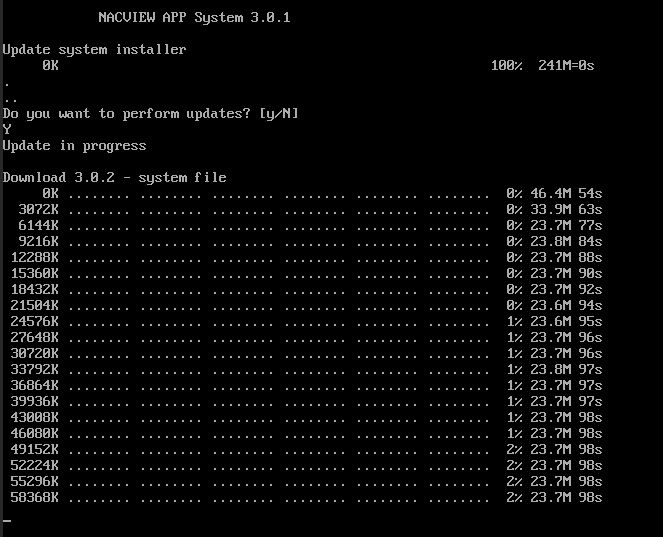
The upgrade will start automatically and should take about 5 to 10 minutes. System will be rebooted afterwards.
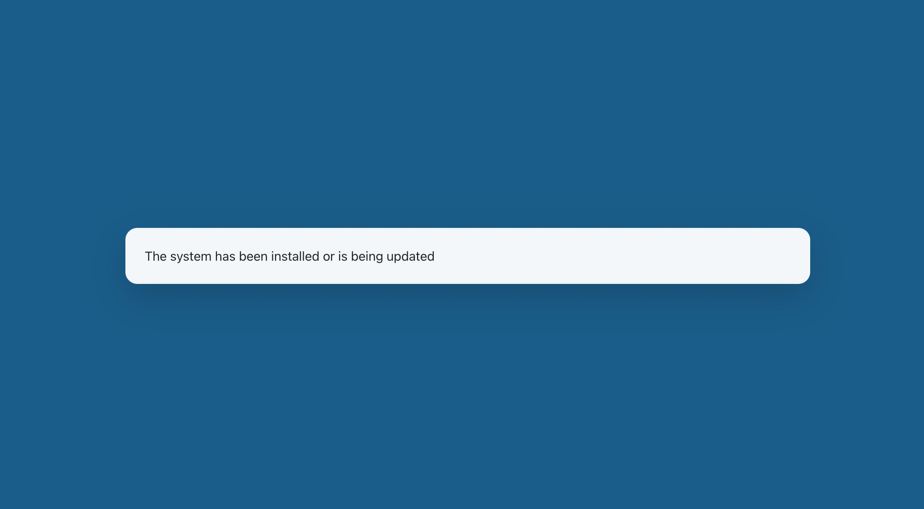
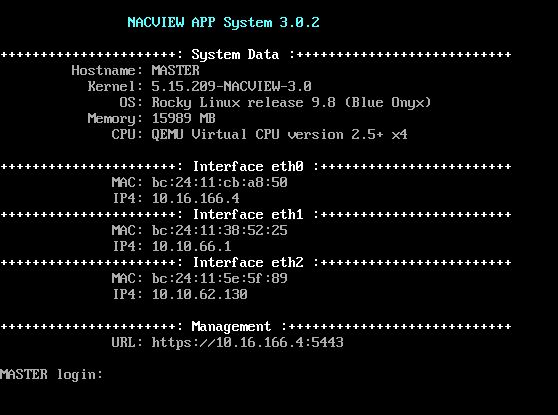
After the successful update, the new version will be visible on login screen.
Warning
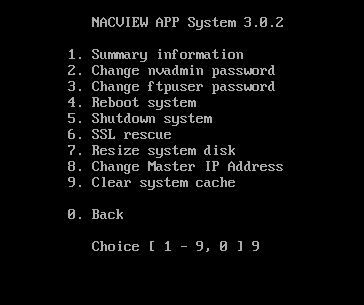
In case of encountering errors when trying to login to the system’s Web UI, one should clear system cache. Login to the CLI and select 2. Maintenance, then select 9. Clear system cache.
Secondary node upgrade🔗
Prior to proceeding with standard web-based update process for secondary nodes, CLI update must be carried on first. The process is the same as the one for primary node.