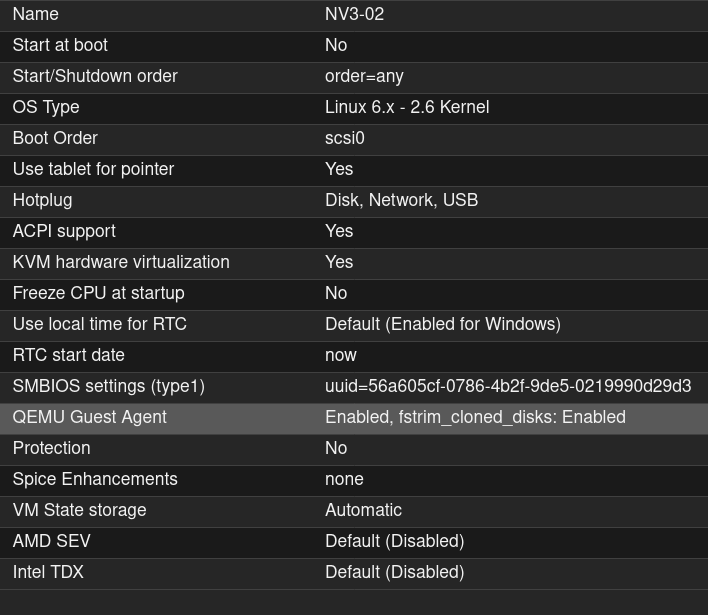
Import to Proxmox VE🔗
NV3 was tested on PVE version 8.x and 9.x, although it should work without problems on any other PVE version which is supported by the manufacturer.
Prerequisites🔗
In addition to requirements listed here, one should prepare storage with Import property set.
Import of the image🔗
Download image from here.
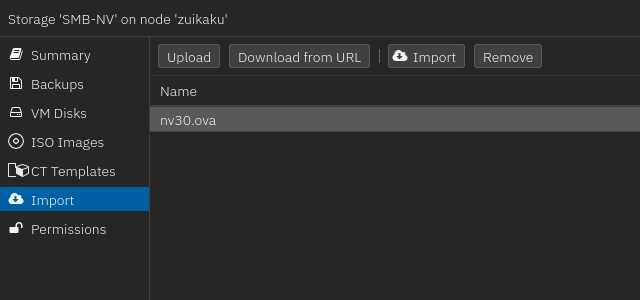
Open appriopriate storage on PVE and go to the Import tab.
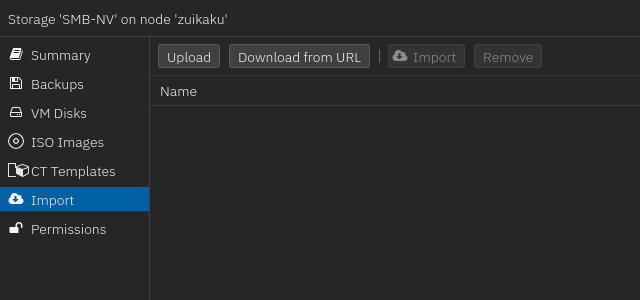
Select Upload and then select downloaded image.
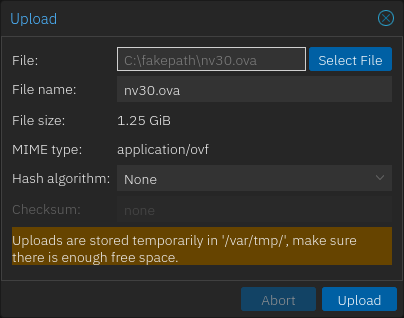
Click on Upload button and wait until image wiil be uploaded to the PVE.
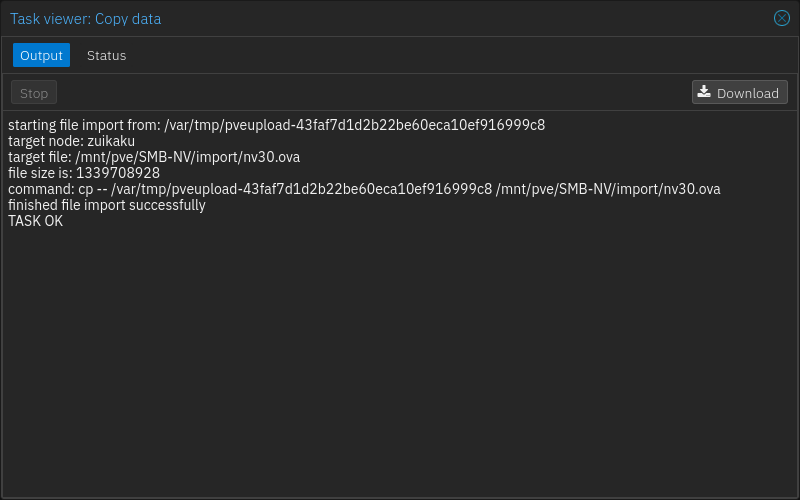
Select the image and click on Import button.
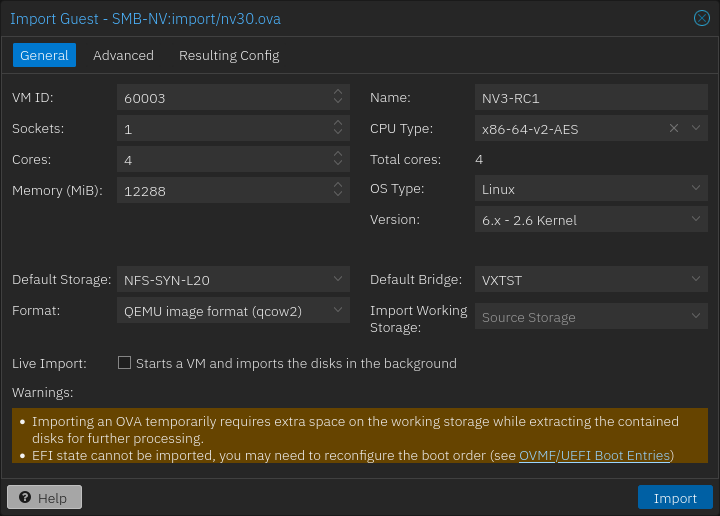
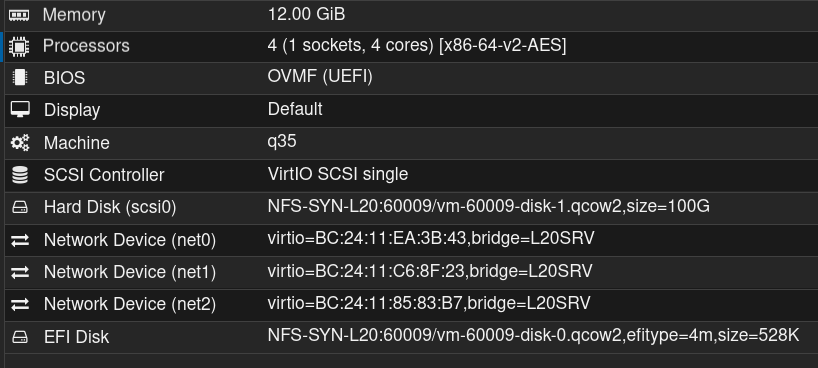
In General tab, set the hardware properties according to the planned usage. Select storage, default bridge (for management network) and set name.
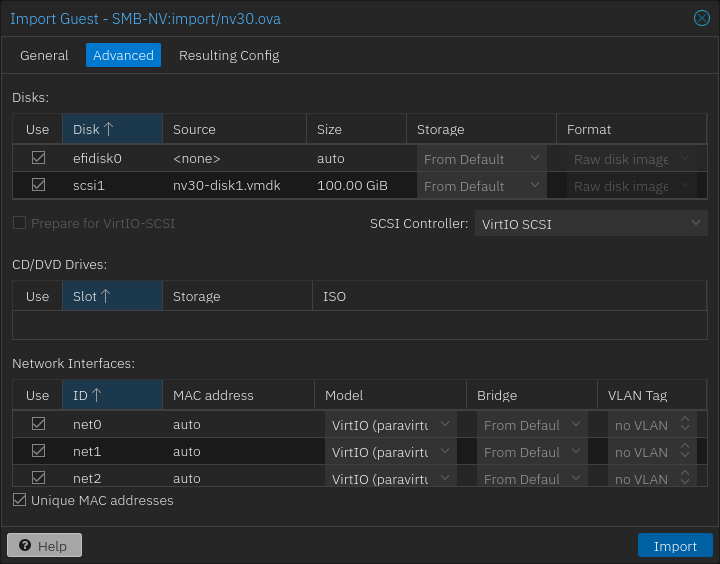
Go to the Advanced tab, change SCSI Controller to VirtIO SCSI and network interface’s model to VirtIO.
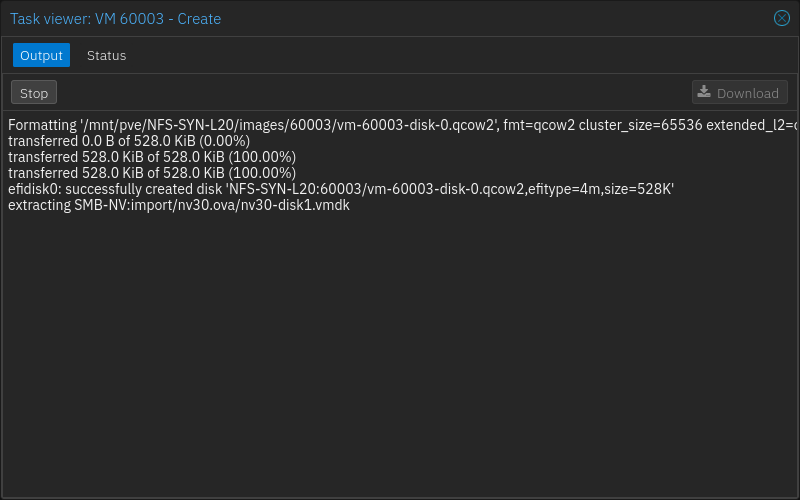
Click on Import and wait for it to finish.
Open newly created virtual machine and change following settings:
Machine: change to Q35
QEMU Guest Agent: Set to Enabled, then set fstrim to enabled: