Add DHCP whitelist🔗
Use this method to manually add a single new DHCP whitelist to the local NACVIEW database.
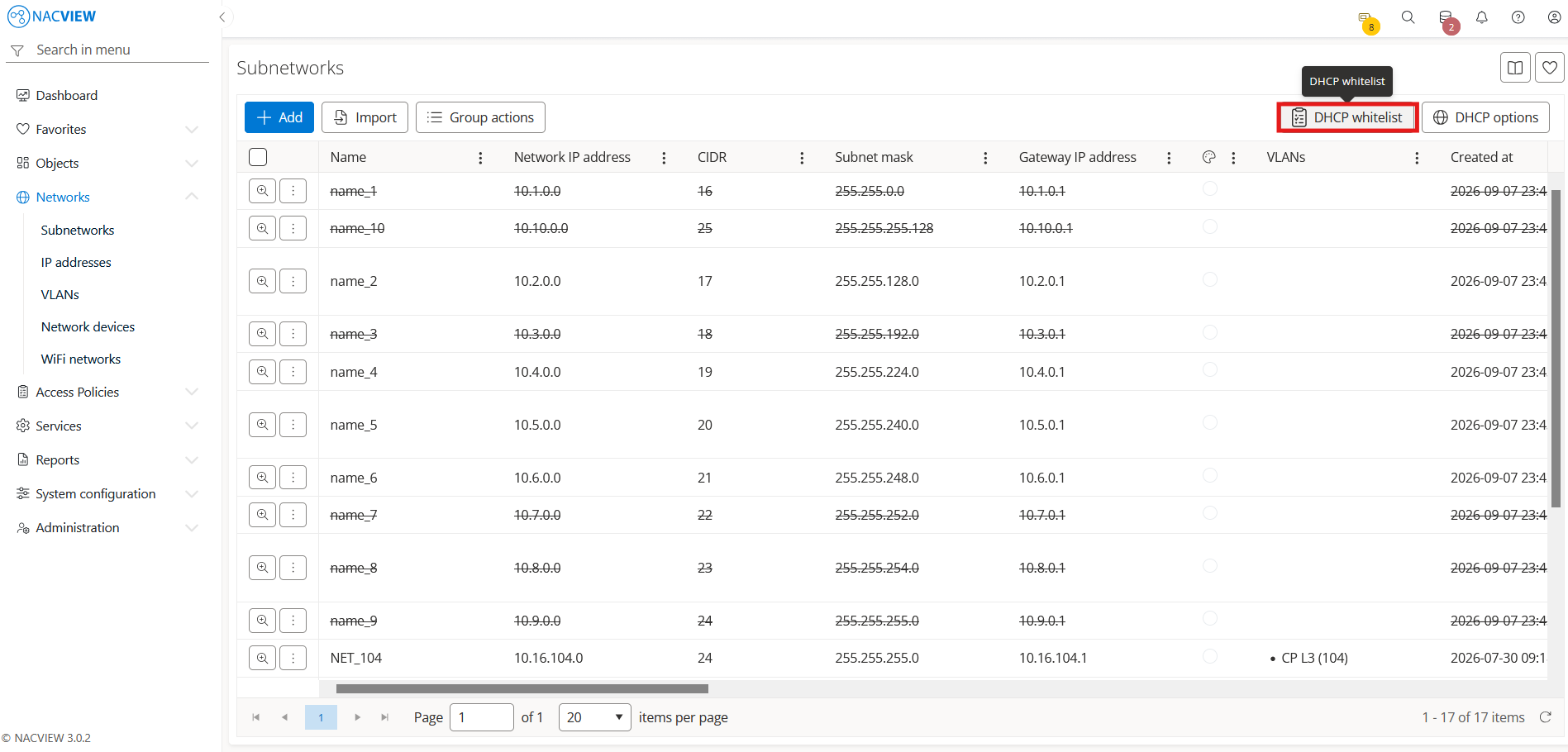
Open Networks and go to Subnetworks.
Select the DHCP whitelist button.
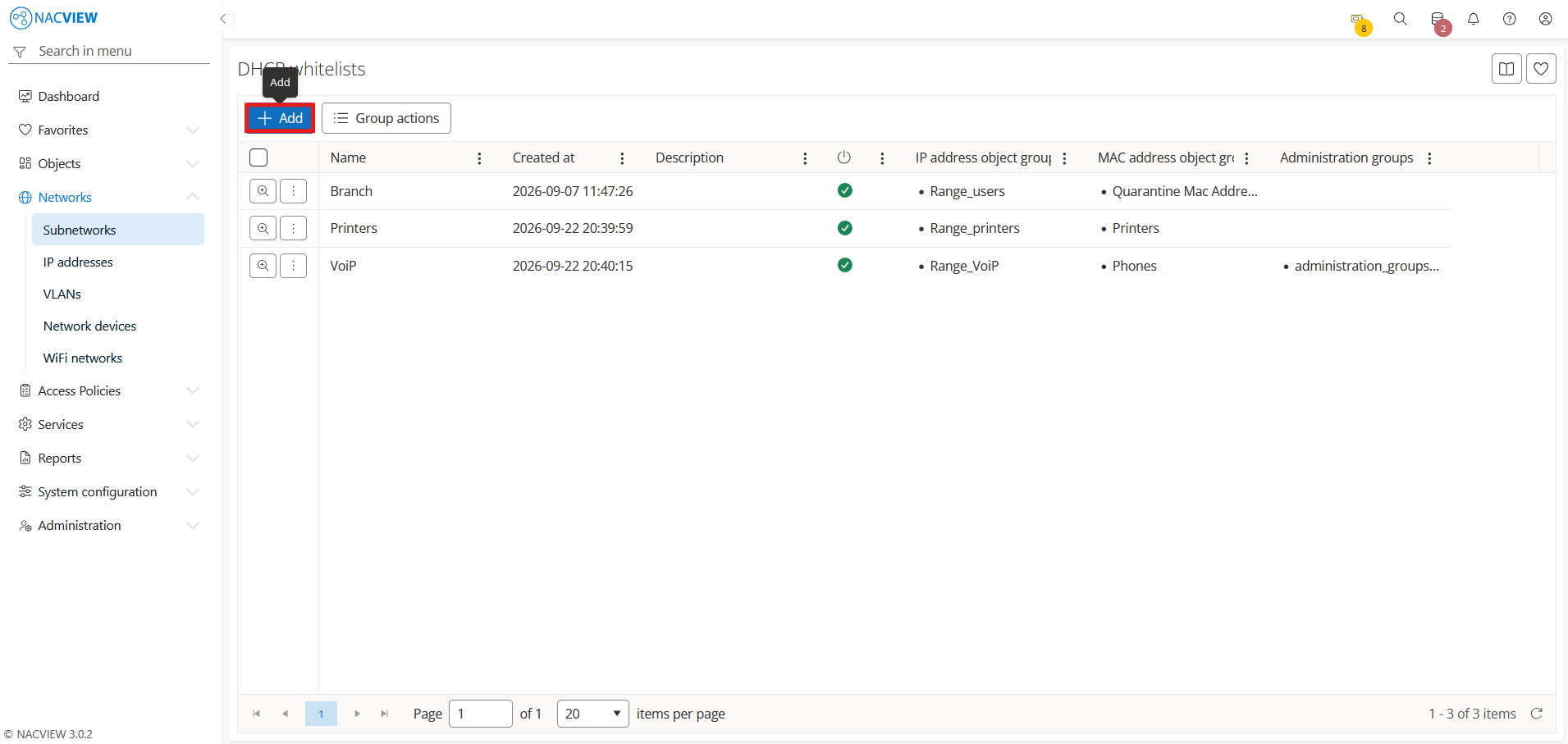
Select the
Addbutton.
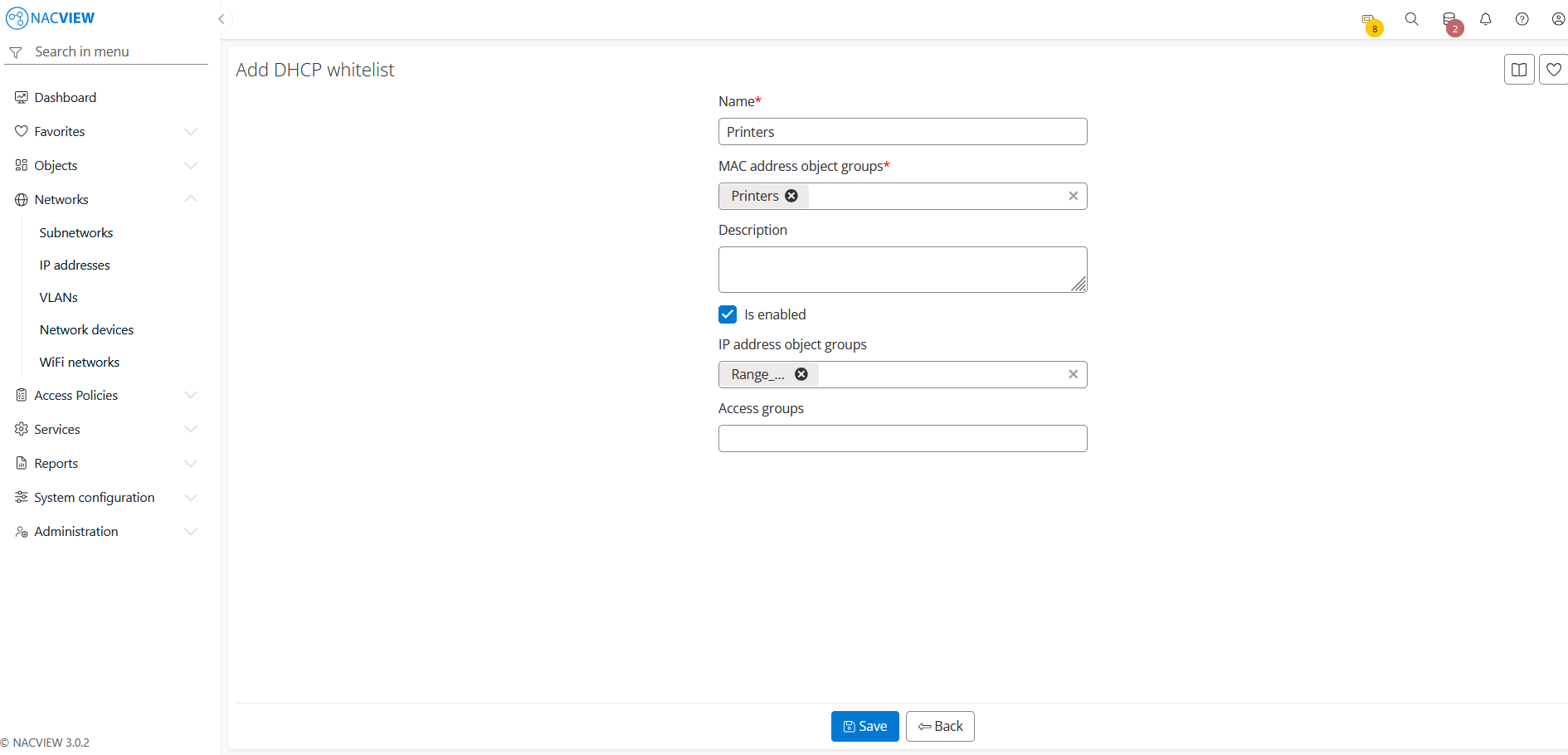
Fill the DHCP whitelist fields.
Note
If you select both MAC address object groups and IP address object groups, devices from the selected MAC address groups will receive IP addresses only from the selected IP address groups.
5. Select the Save button to create the DHCP whitelist.
The new DHCP whitelist appears on the DHCP whitelists list.
Note
To discard your changes without creating the DHCP whitelist, select
Back button.