VRRP Configuration🔗
Open System configuration and go to the System nodes.
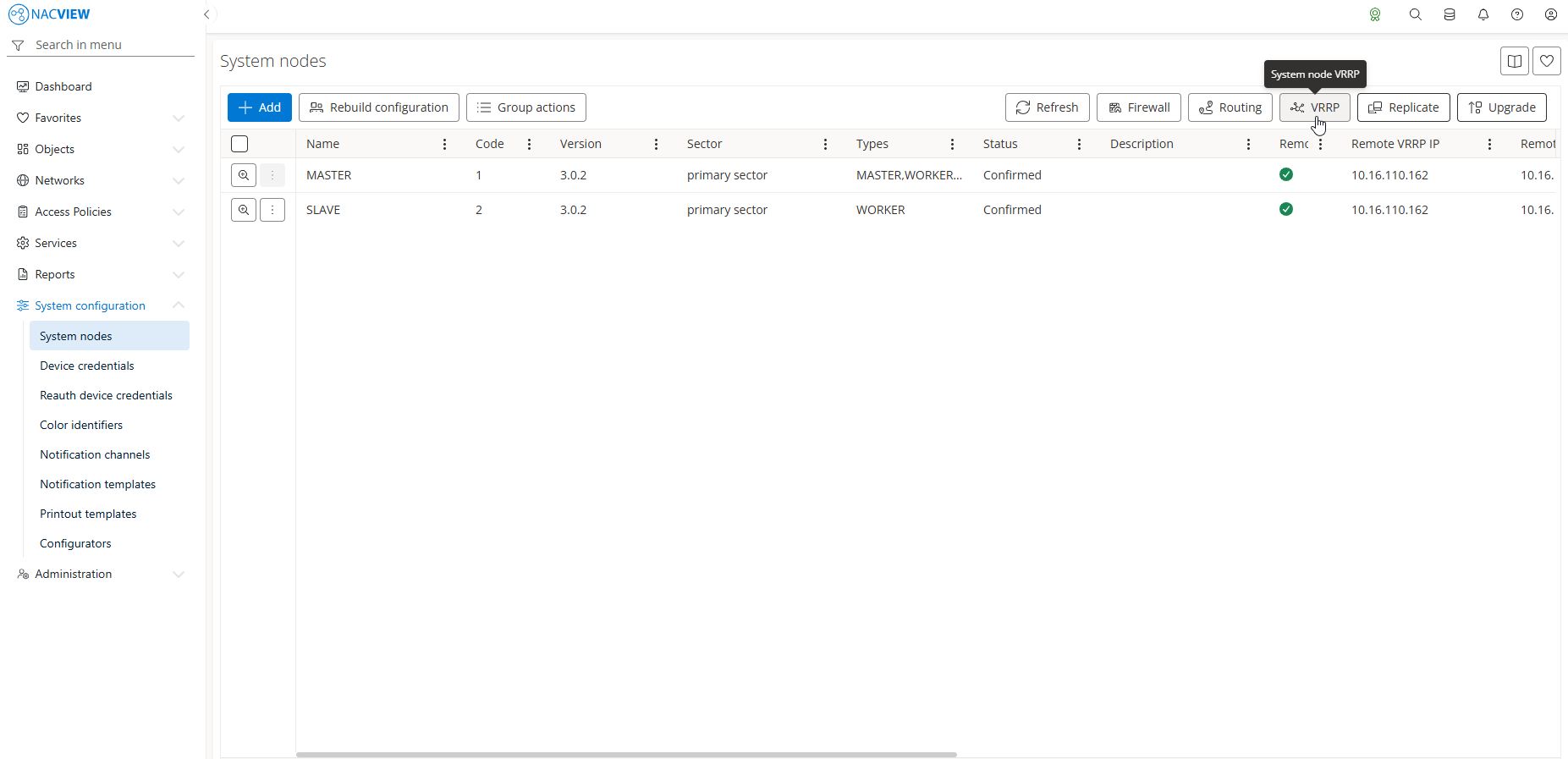
Select the VRRP button on the right-hand side.
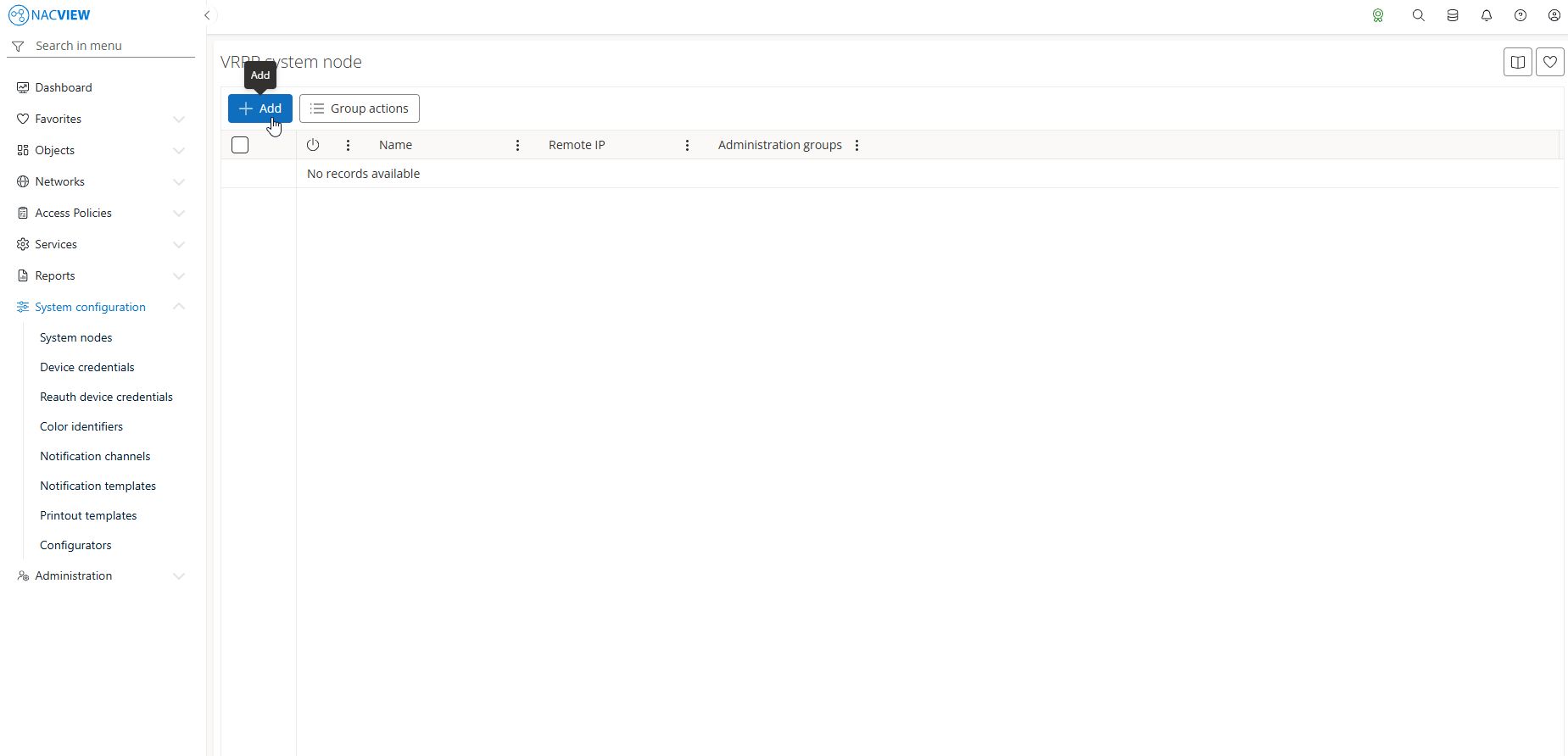
Provide a name for VRRP configuration, remote IP, remote subnet mask, master node of VRPP and secondary node of VRRP.
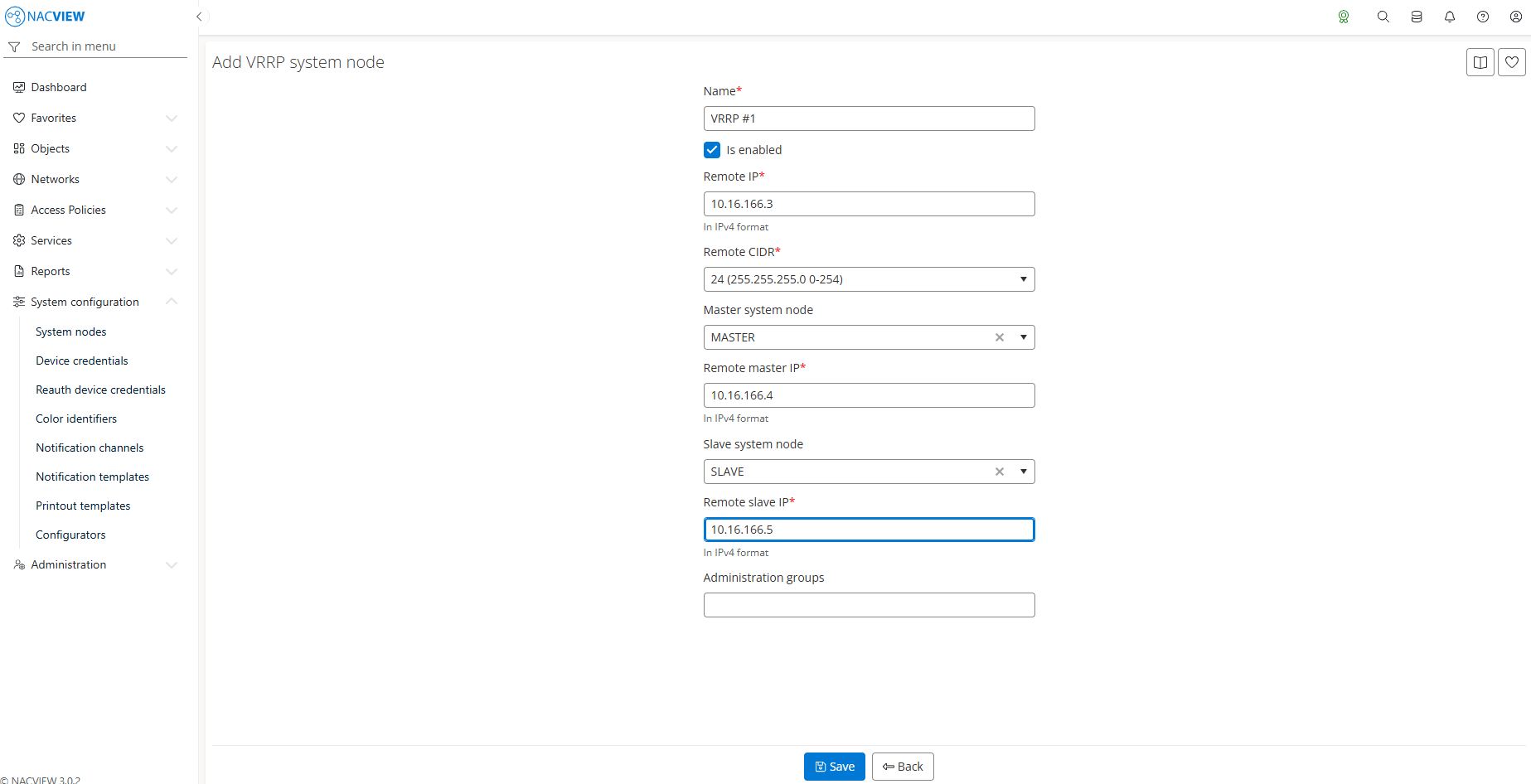
Confirm with Save button.
Edit the created configuration and provide appropriate IP addresses - VRRP virtual (floating) IP, IP of VRRP master node and IP of VRRP standby node.
Proceed back to the System nodes panel and select
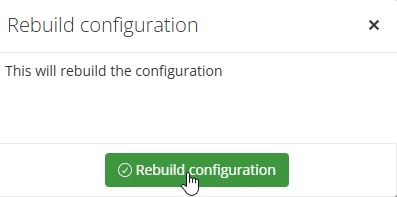
Rebuild configuration. Confirm the action when asked and wait for the task’s completion.
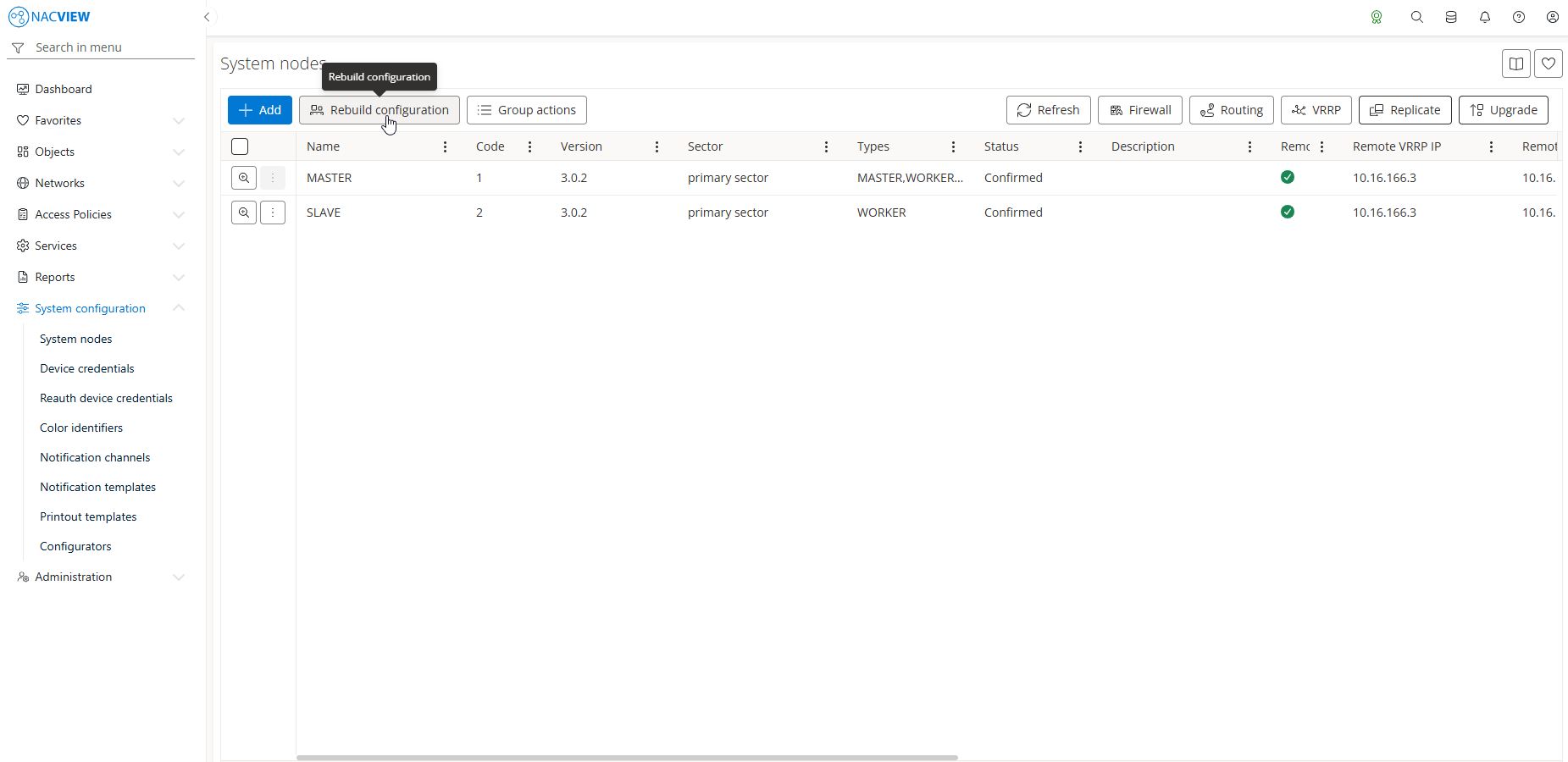
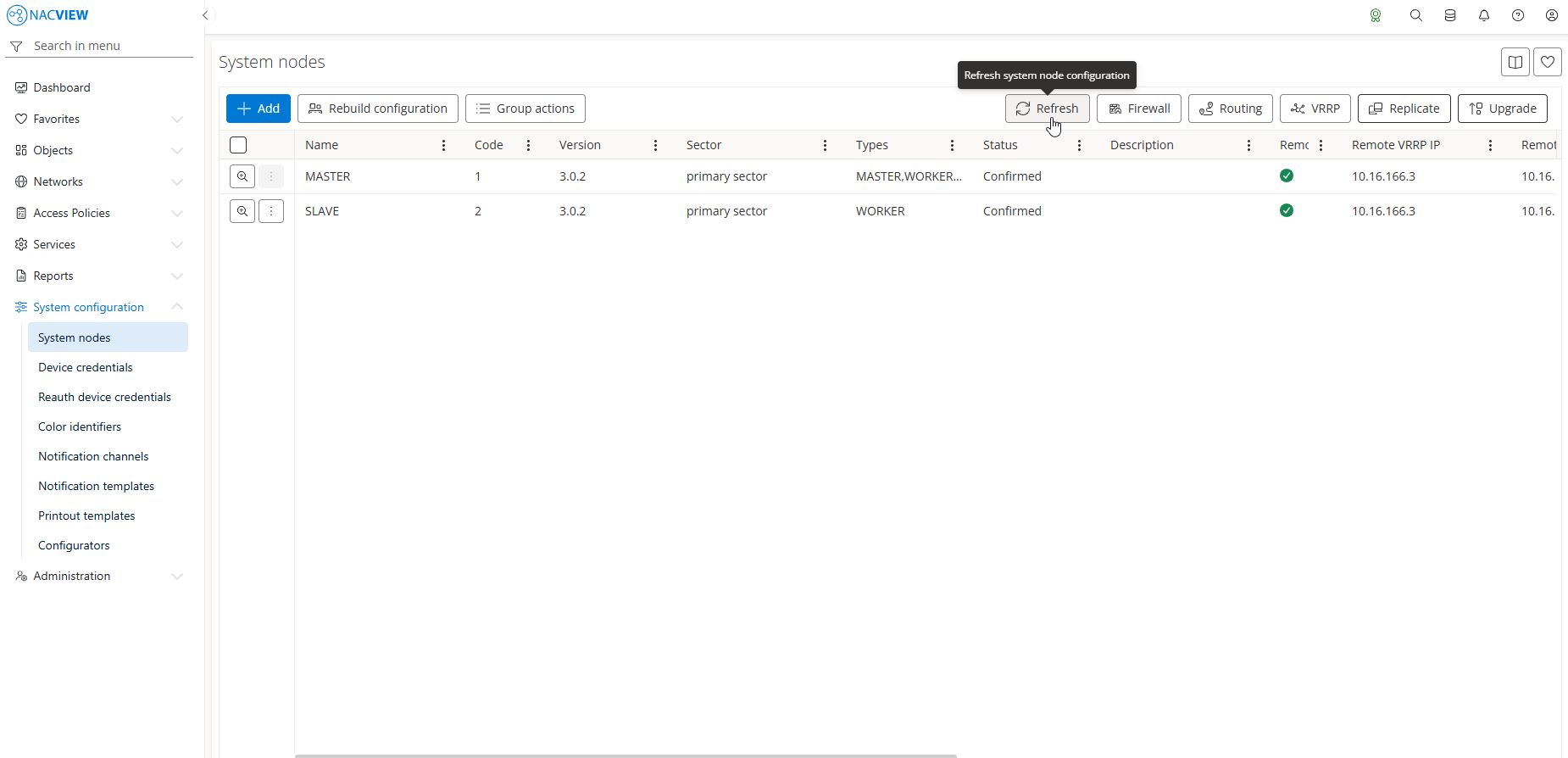
Select
Refreshbutton on the right-hand side and select all affected nodes.
Disabling VRRP🔗
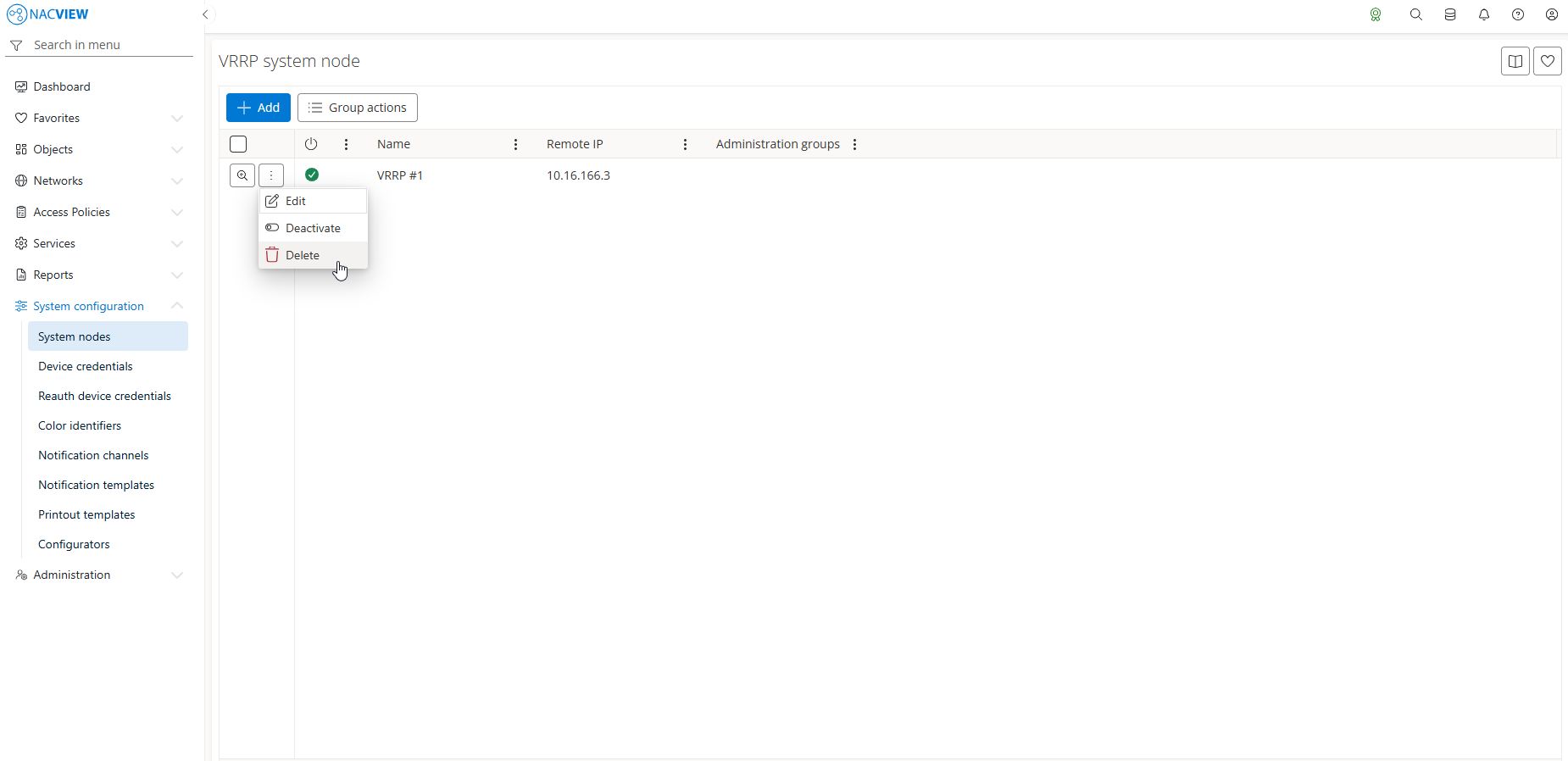
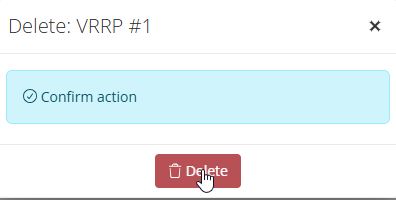
From the list of the VRRP configurations, select the one that is to be deleted.
Trigger the rebuild of configurations (System nodes -> Rebuild configuration, then Refresh).