Installation🔗
Network settings🔗
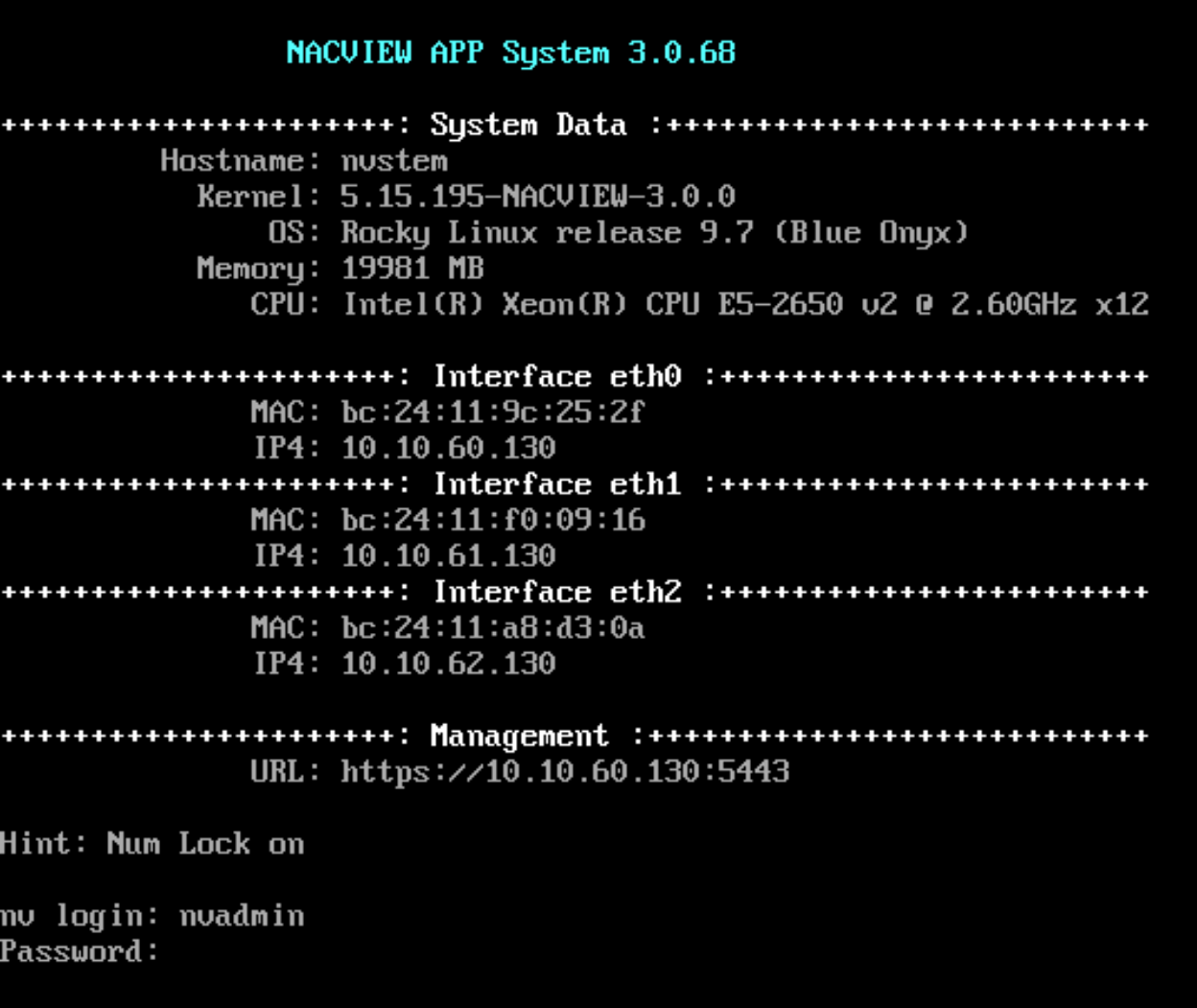
After starting the VM, connect to the console of the virtualisation solution. Login to the system with default credentials: nvadmin/NACVIEW.
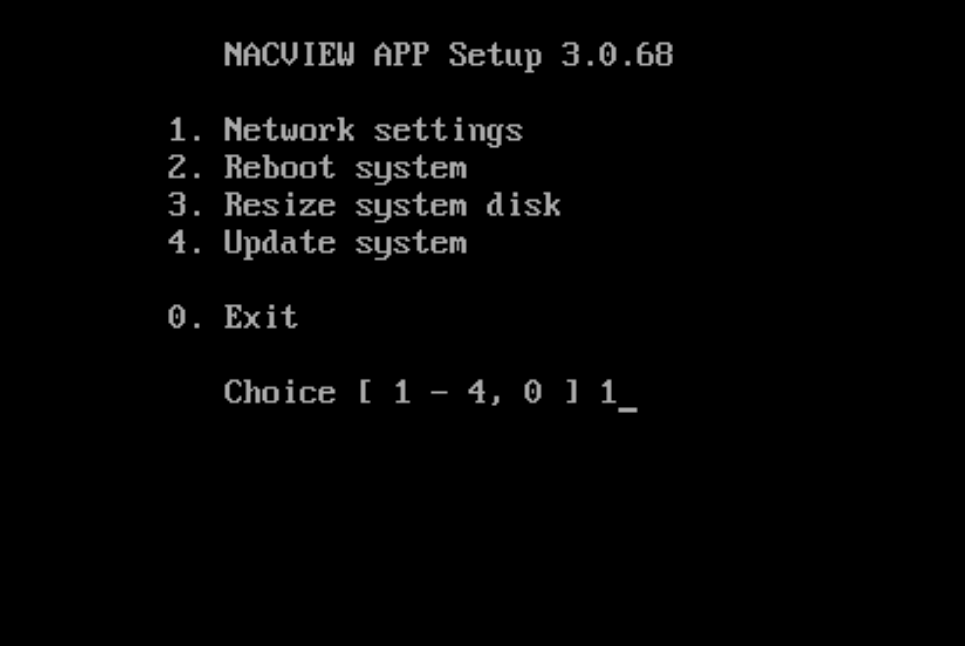
Next, chose option 1 - “Netwok settings” and provide appropriate data.
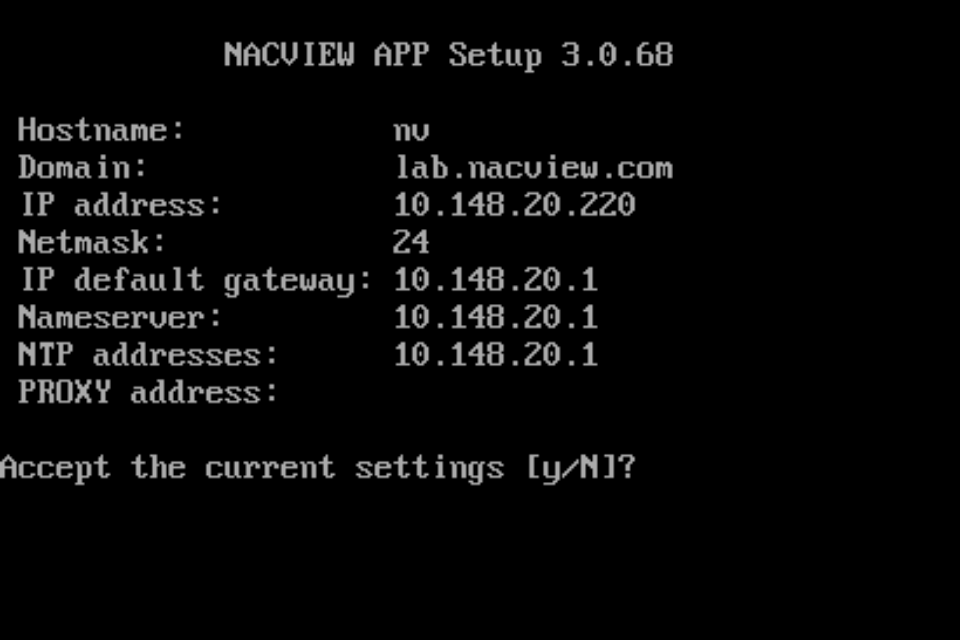
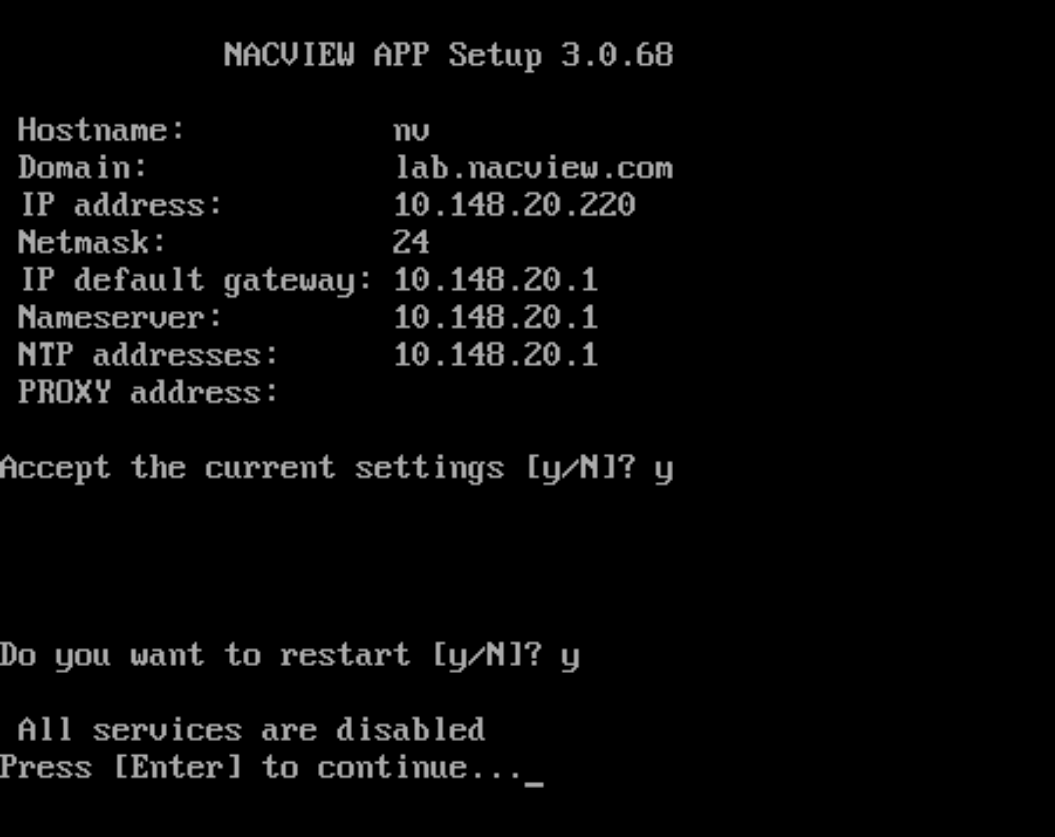
Confirm at the end and let system reboot.
System instalation via Out-of-Band management portal🔗
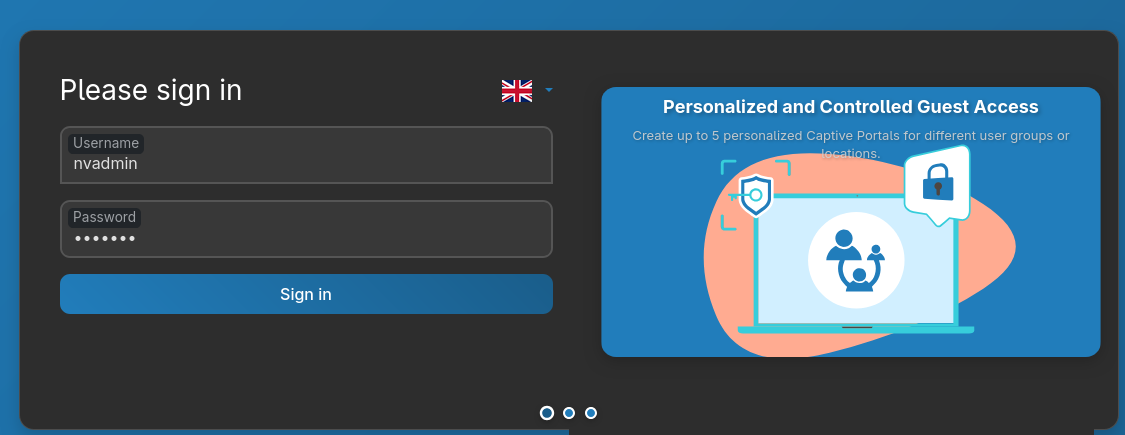
Open NV3’s address with port 5443 (HTTPS). Login with the same credential as for console.
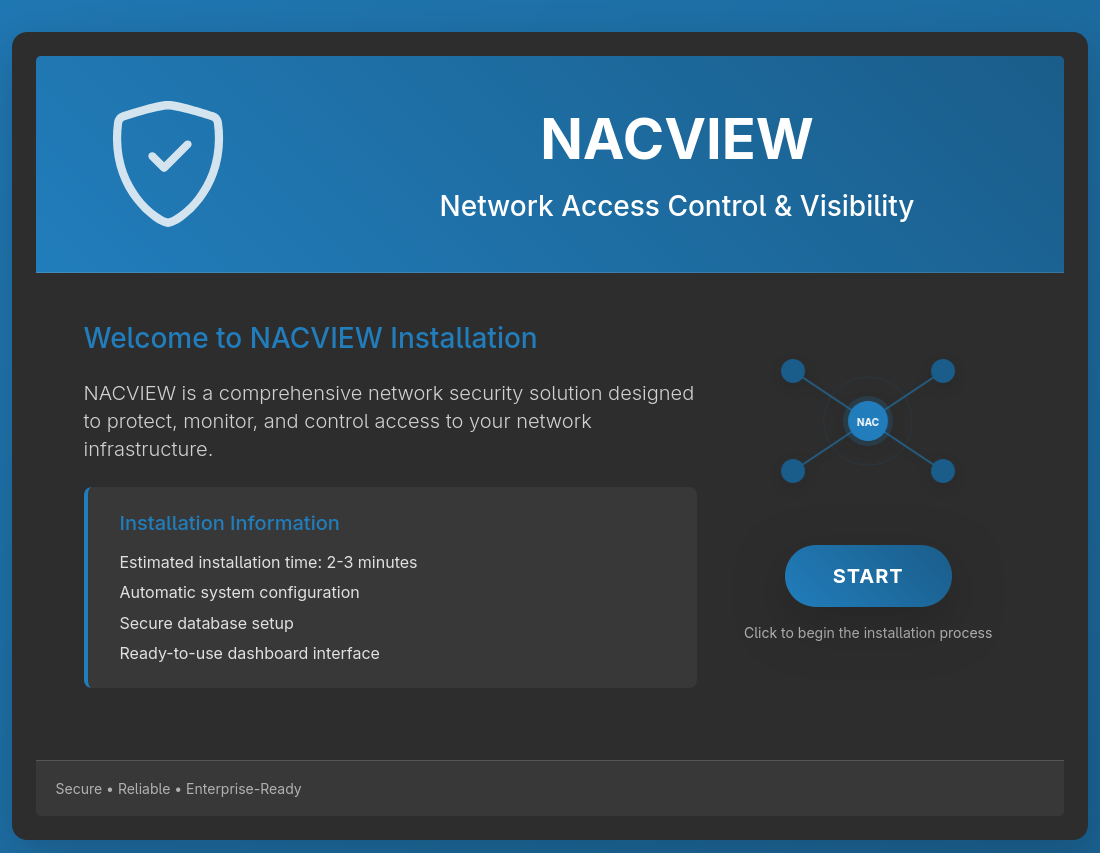
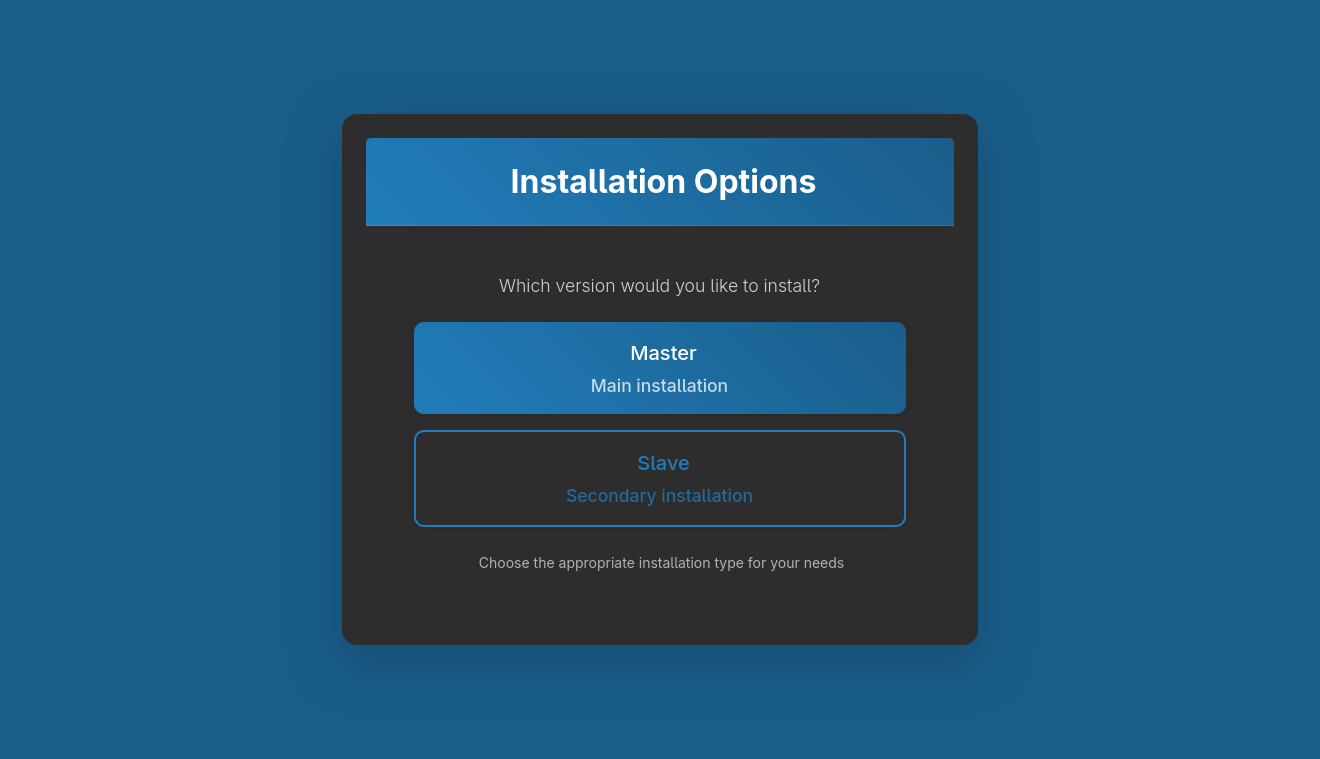
Select Start button and choose Master/Main installation.
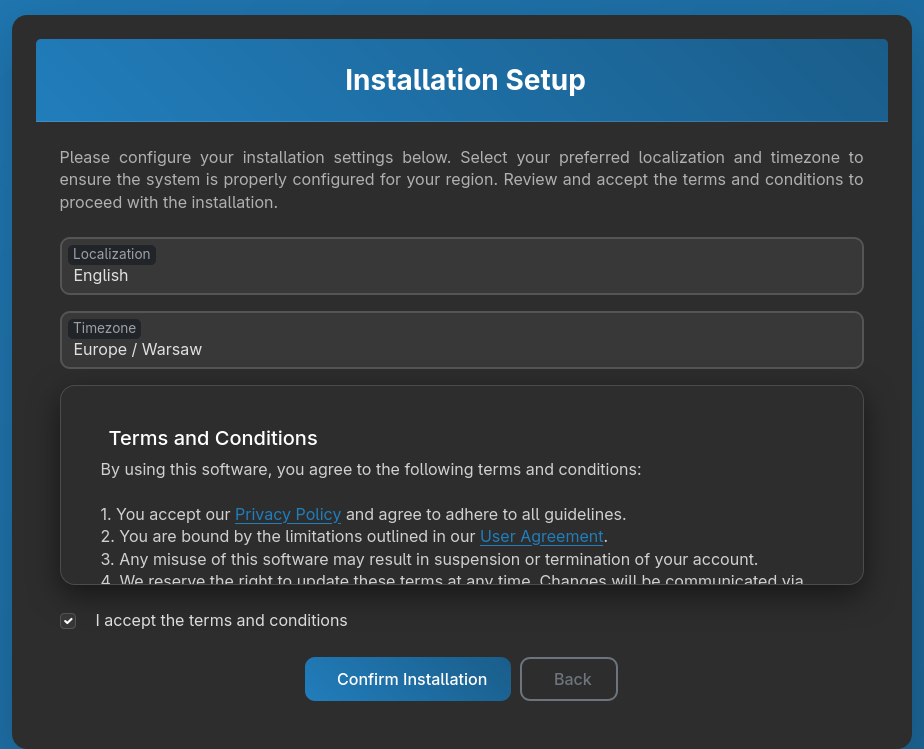
Accept terms&conditions and select Confirm installation


After finished installation, system will show summary of the system. Main interface will be available after about ~10 minutes. You can change to the main system interface with Dashboard button.